One of the coolest things I like most about the ELK stack is the open-source nature of the solution, as well as the contributions it has been making to Detection as Code (DAC) development.
https://github.com/elastic/detection-rules
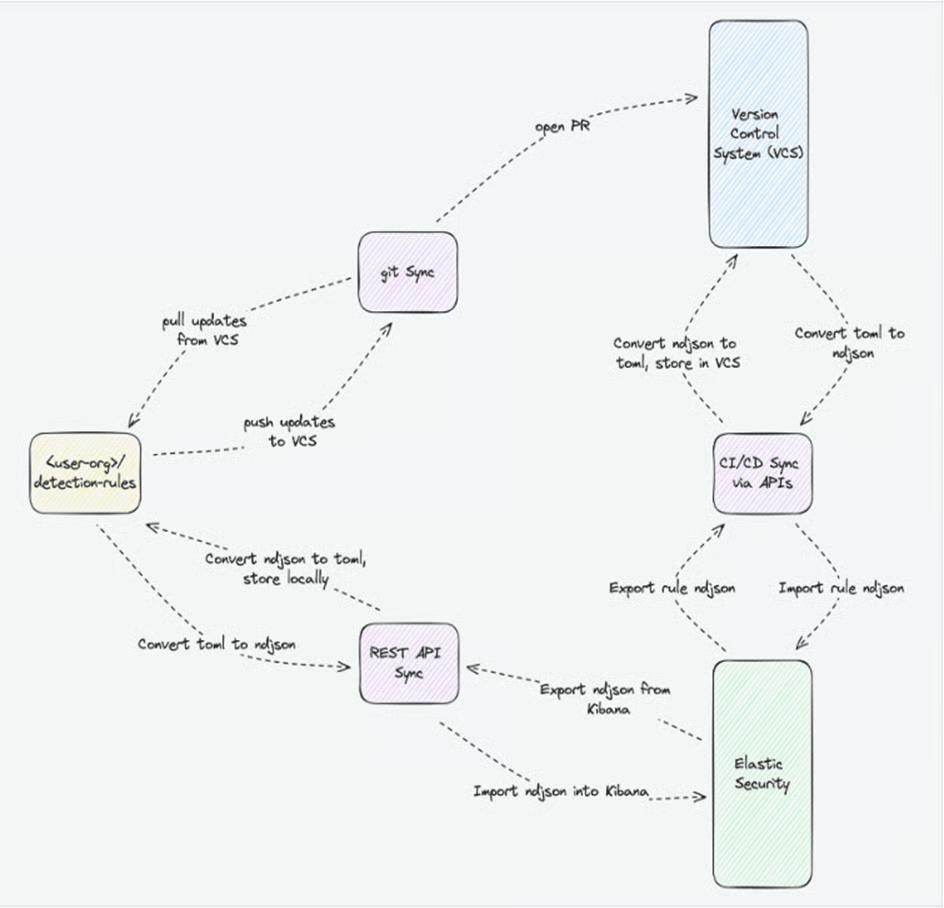
[metadata]
creation_date = "2024/09/27"
maturity = "development"
updated_date = "2024/09/27"

[rule]
author = ["sam"]
description = "Detect WinRM Port Usage via svchost.exe or netsh.exe"
language = "eql"
name = "Detect WinRM Port Usage"
risk_score = 50
rule_id = "d3bfa7e7-5a7c-4f28-a0c9-3bf6e074b233"
severity = "medium"
type = "eql"

query = '''
process where
  process.name == "svchost.exe" and
  process.args : ("5985", "5986") or
  process.name == "netsh.exe" and
  process.command_line like~ "*winrm*"
'''
Let’s go through the development life cycle to complete testing of this rule. First, we must validate the syntax and ensure the fields are accurate for the EQL data model. Run the following command:
python -m detection_rules validate-rule dac_custom_rules_dir/winRM.tomlCopyAfter running this command, you should see a “Rule validation successful” message appear.

Navigate to your custom rules folder and run the following command to import your rules:
python -m detection_rules kibana import-rulesNavigate to your Kibana instance and go to Security > Rules. Select installed rules, and you should see your custom rule located inside the directory.
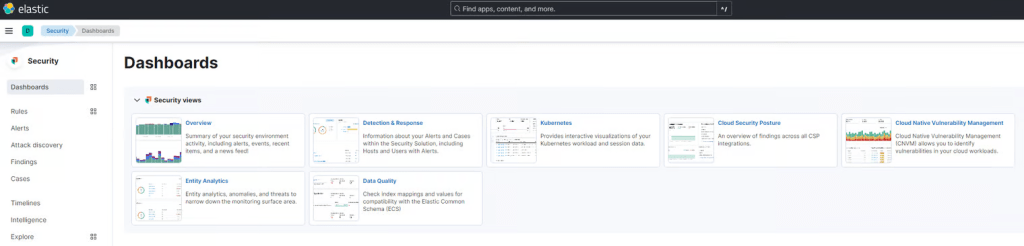
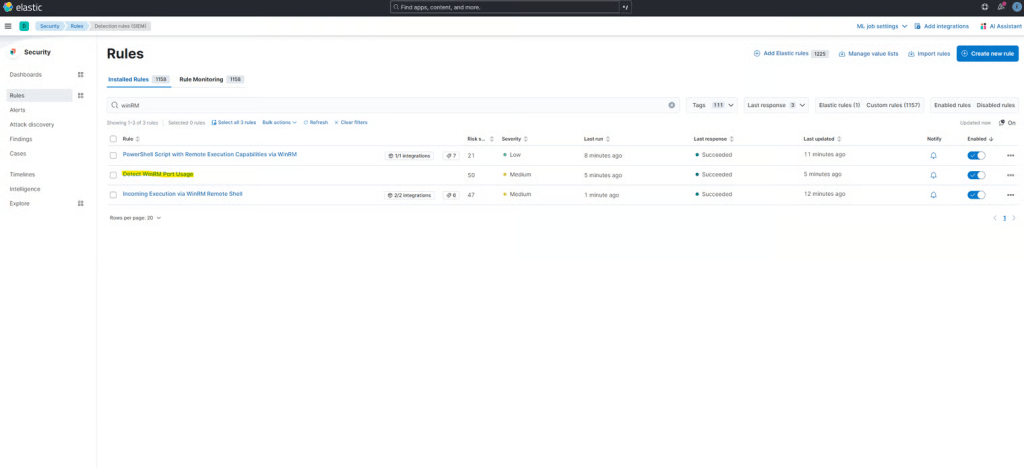
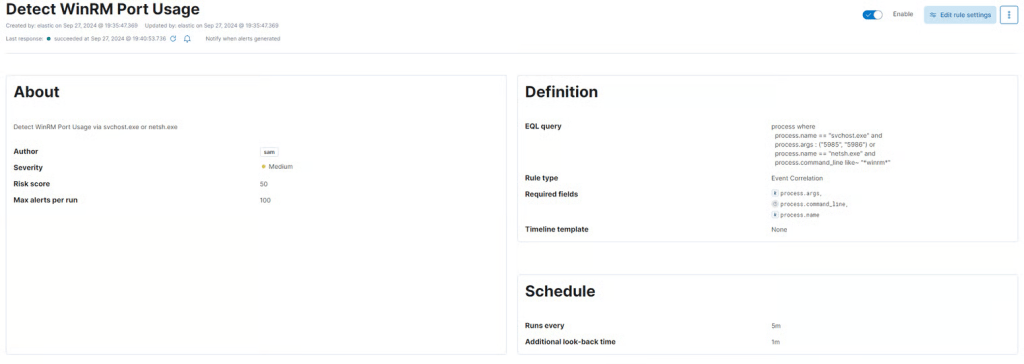
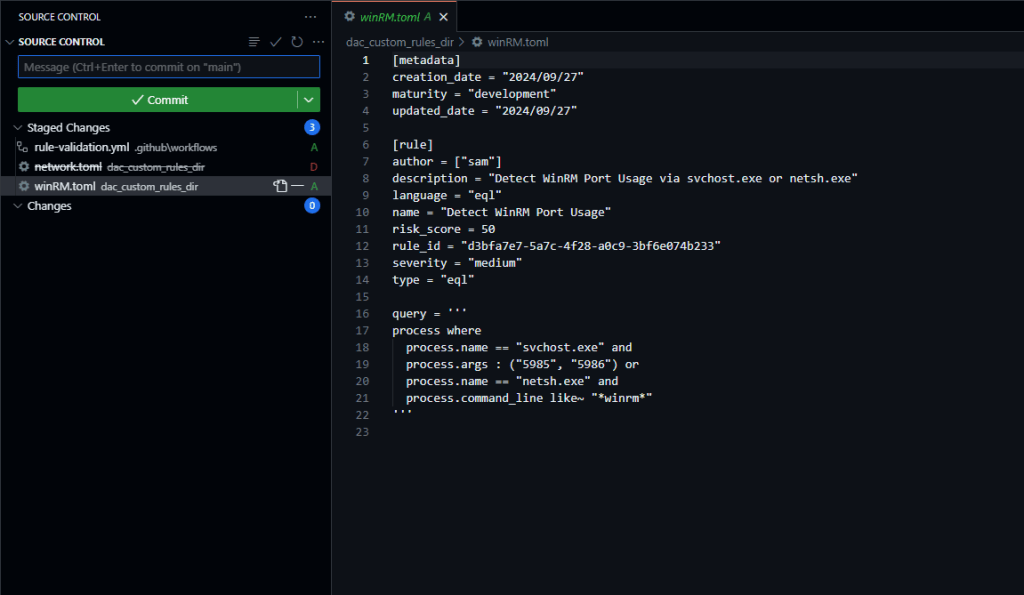
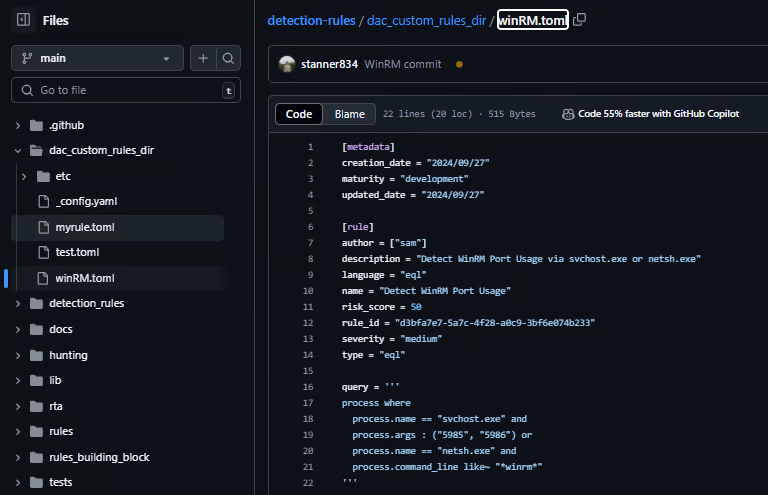
Now, let’s commit our changes to our GitHub repo and sync to our remote repository.
 Networking-Dojo